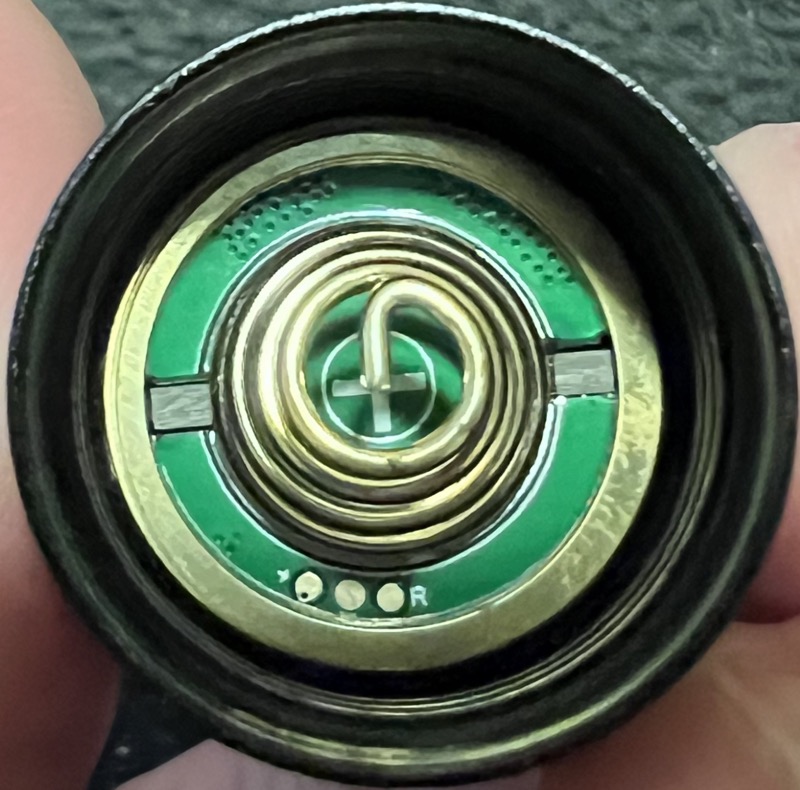
I decided to compile a list of Anduril-based Sofirn/Wurkkos flashlights and the pin headers they use (Sofirn/Wurkkos can revise the boards use and even the “Anduril model ID” based on the chip they used, so there may likely be other revisions other than the one I’ve encountered.
Anduril version  and pin header on Sofirn / Wurkkos flashlights

Sofirn SP10 Pro   (1x 3-pin)      {A2 '631'}
Sofirn SC21 Pro   (1x 6-pin)      {A1}
Sofirn SC31 Pro   (1x 3-pin)      {A2 '614'}    [has other revisions like A2 '612' which doesn't have pin header]
Sofirn SC31T Pro  (1x 3-pin)      {A2 '615'}

Sofirn IF25A      (no pin header) {A2 '612'}   [may have other revisions]

Sofirn SP36 BLF   (2x 4-pin)      {A2 '612'}   [may have other revisions]
Sofirn SP36 Pro   (2x 4-pin)      {A2 '612'}   [may have other revisions]
BLF Q8 Anduril    (no pin header) {A1}
Sofirn Q8 Pro     (no pin header) {A2 '611'}   [may have other revisions]
Astrolux EC06     (2x 4-pin)      {A2 '611'}
Sofirn Q8 Plus    (1x 3-pin)      {A2 '614'}

Wurkkos TS10      (1x 3-pin)      {A2 '614' and A2 '714'}
Wurkkos TS11      (1x 3-pin)      {A2 '715'}
Wurkkos FC13      (1x 3-pin)      {A2 '715'}
Wurkkos TS21      (no pin header) {A2 '612'}
Wurkkos TS25      (1x 3-pin)      {A2 '715'}  {earlier batch: A2 '614'}

Wurkkos TS30S     (no pin header) {A1}
Wurkkos TS30S Pro (1x 3-pin)      {A2 '715'}

BLF LT1-Mini      (1x 3-pin)      {A2 '621'}
BLF LT1 "A2/A4"   (2x 4-pin)      {A2 '621'}    [has other earlier revisions]
BLF LT1 "A5"      (1x 3-pin)      {A2 '622'}
BLF LT1S Pro      (1x 3-pin)      {A2 '623'}
A1 = Anduril 1
A2 = Anduril 2
‘612’ ‘631’ ‘715’ etc = the model ID when using Anduril 2 version-check
(note: for the BLF LT1 lantern, there are many board revisions, from the Anduril 1 “rev4.3” and “rev5.0” boards, to the Anduril 2 with “Sofirn 1.0” marking and also “BLF-LT1-A2”, “BLF-LT1-A4”, “BLF-LT1-A5” board markings which may have different pinouts.)
I presume the 3-pin adapter means all use ATTiny1616 which are supported for flashing.
For the record, my Wurkkos FC13 (running TK’s rev.727 from the multi-channel branch) blinks “0716” and not 715 at the start of the version sequence right after pressing 15C.
But to answer your question: I don’t think so, the “into the head” pics I was able to find either showed no pads[1], or a very strange 4+4 (3+2?) arrangement[2] faintly resembling Hank’s.
Please do and please tag me, the SP36 Pro is otherwise a perfect soda can light and I’d be very interested if there’s a new model or something with easily accessible flashing pads.
@dmenezes … so fast…
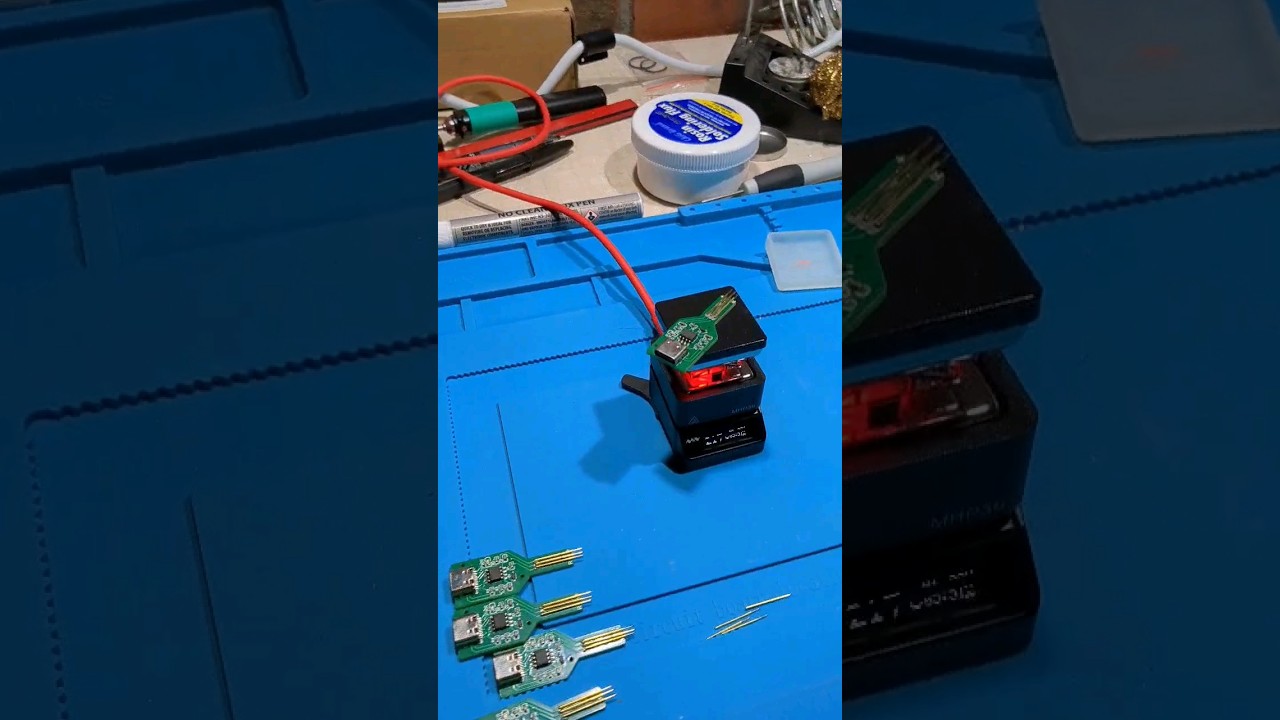
I don’t know if I can use @gchart pogo but I see it doesn’t do 3C to unlock for OFF so there is not the last @ToyKeeper recent branch and revision. @thefreeman I can buy your driver and switch
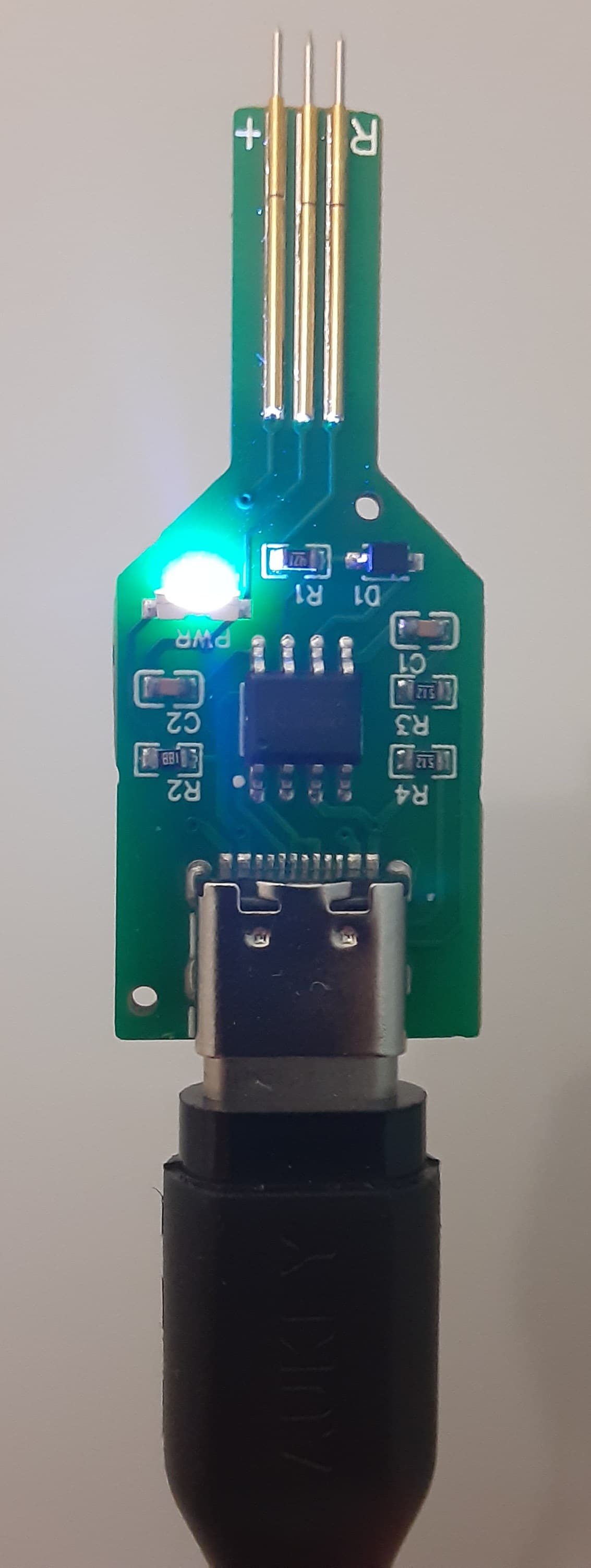
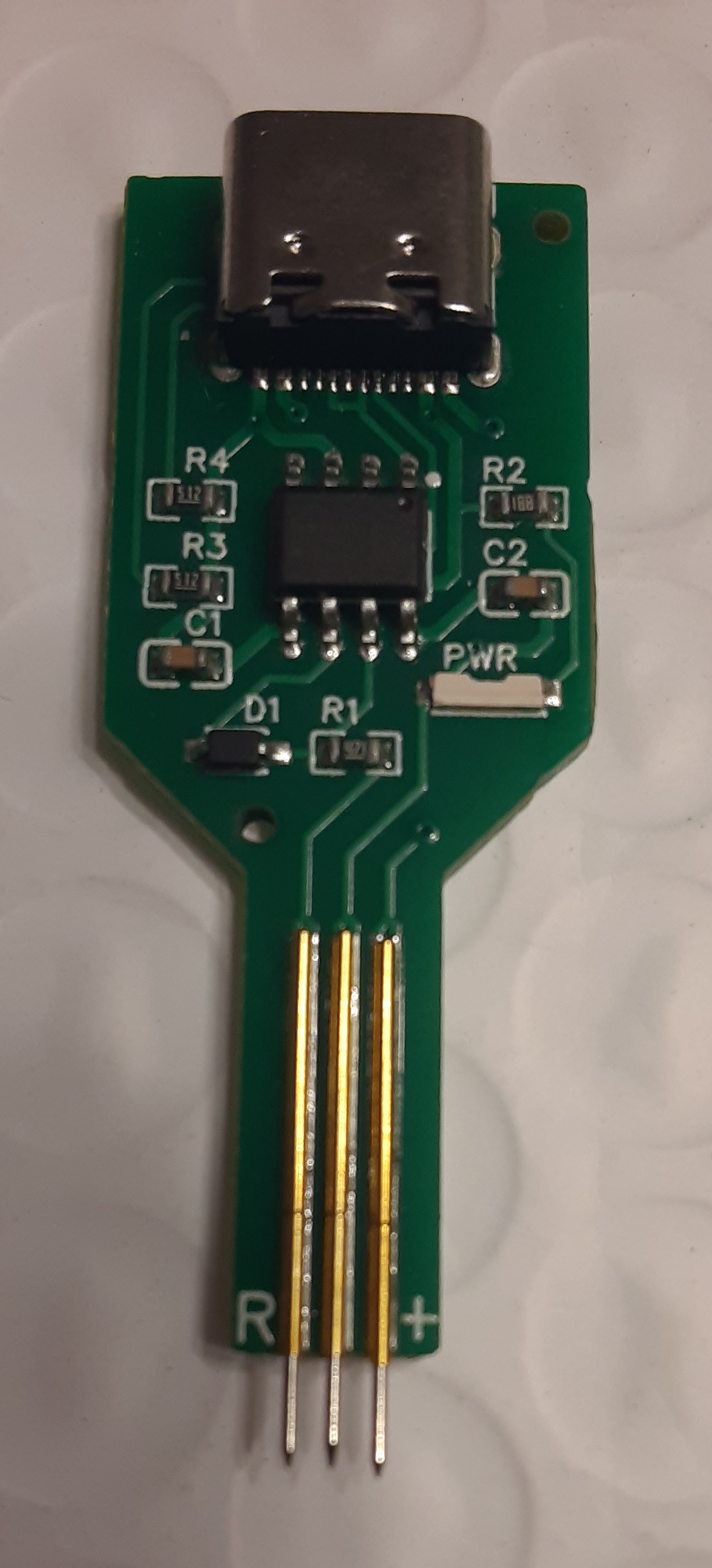
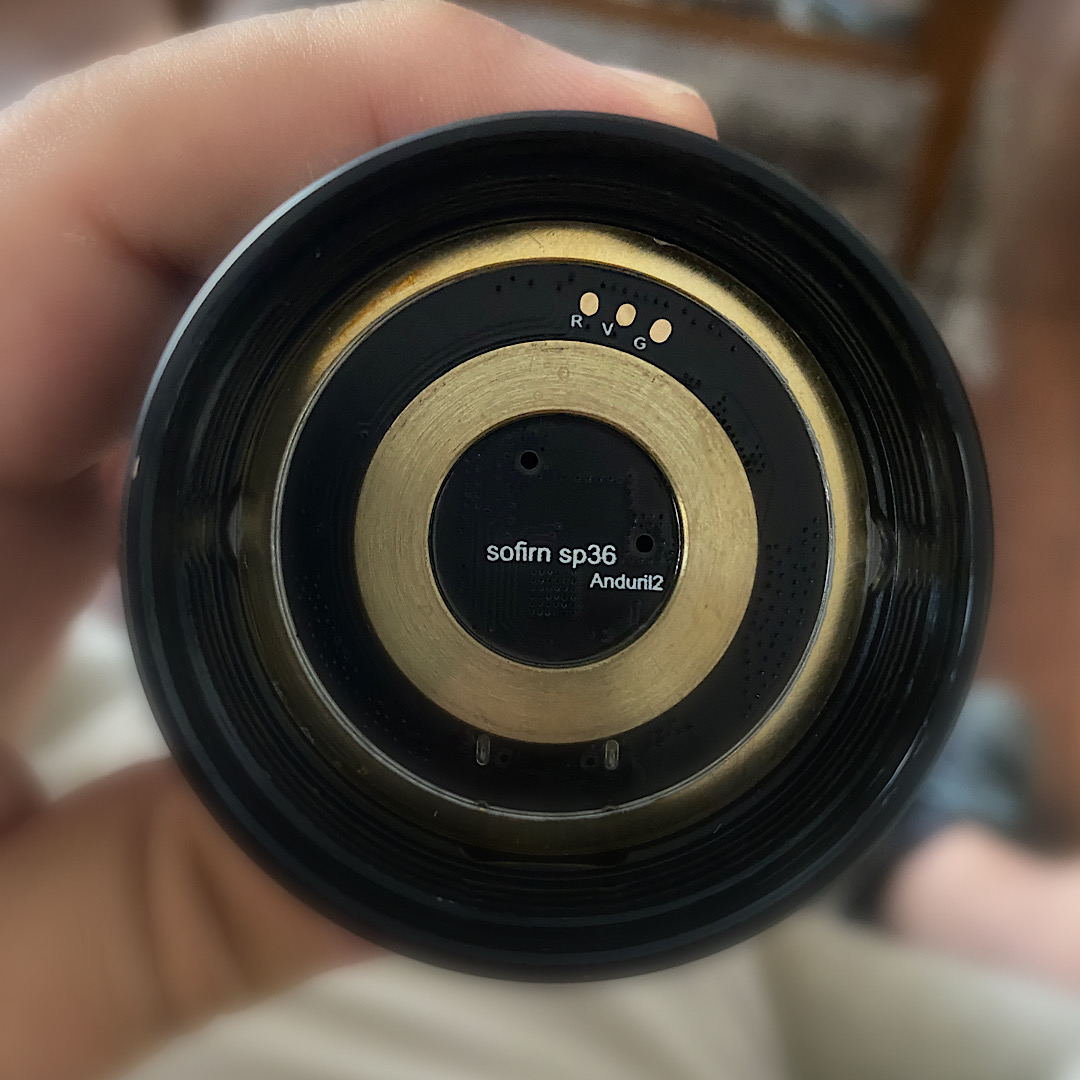
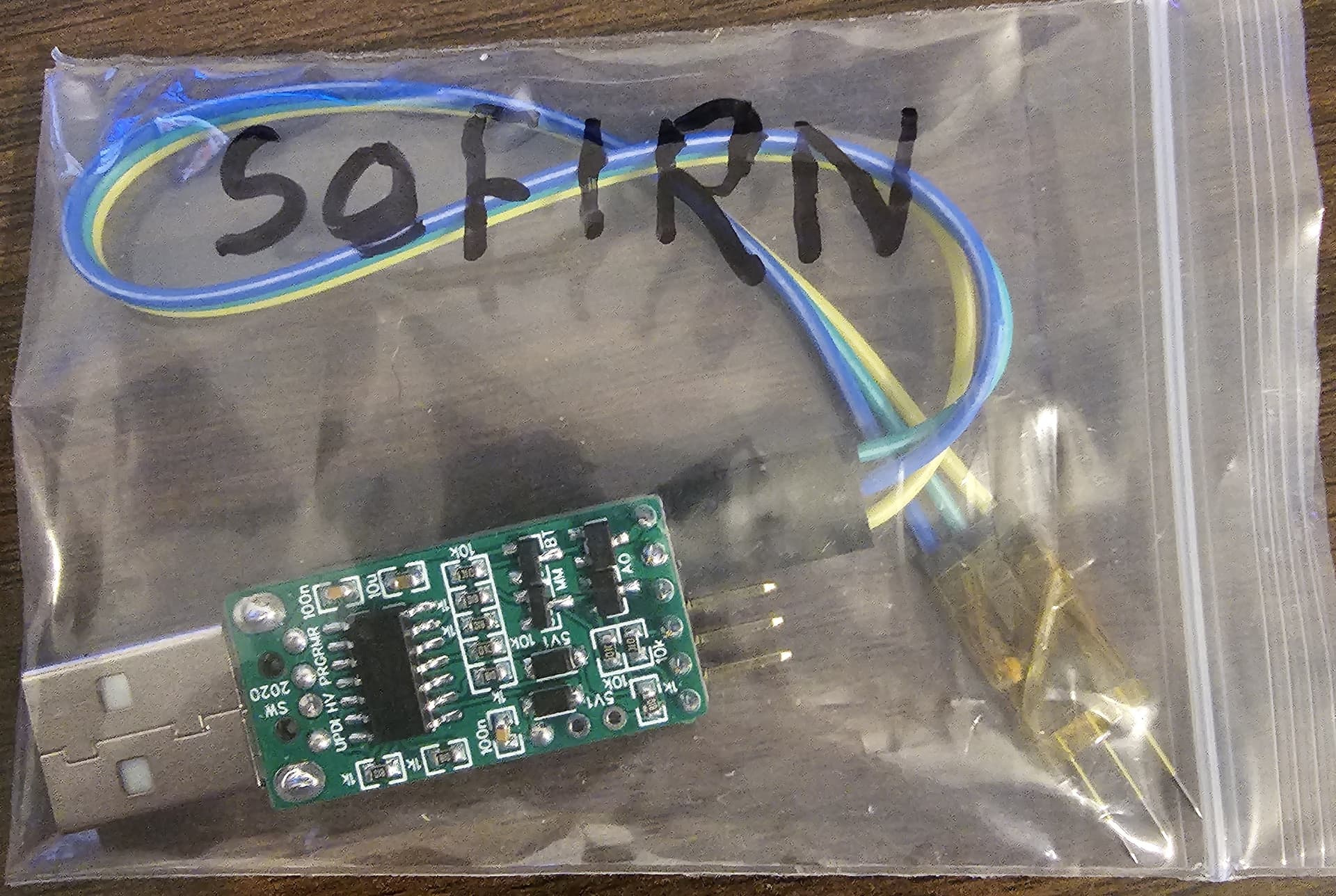
Now, get some dupont leads (e.g. Amazon.com ). Connect three to V+, V- and UPDI, then arrange the ends in the correct order (R = UPDI, V = V+, G = V-), and tape them together (I used kapton tape, but whatever you have to hand like masking tape or sellotape will work too).
Thanks to MG (great follow on hardware hacking and general cool stuff), 0.68mm pogo pins fit into Dupont connectors. I used P50-B1 - it might take a couple of tries, I think I broke 1 or 2 trying it, but once you get the hang of it they go right in. Congrats, you now have a Sofirn adapter that’s an almost perfect fit. Just triple check each time you use it you have the right orientation.