Recently been getting into GS to preserve memories.
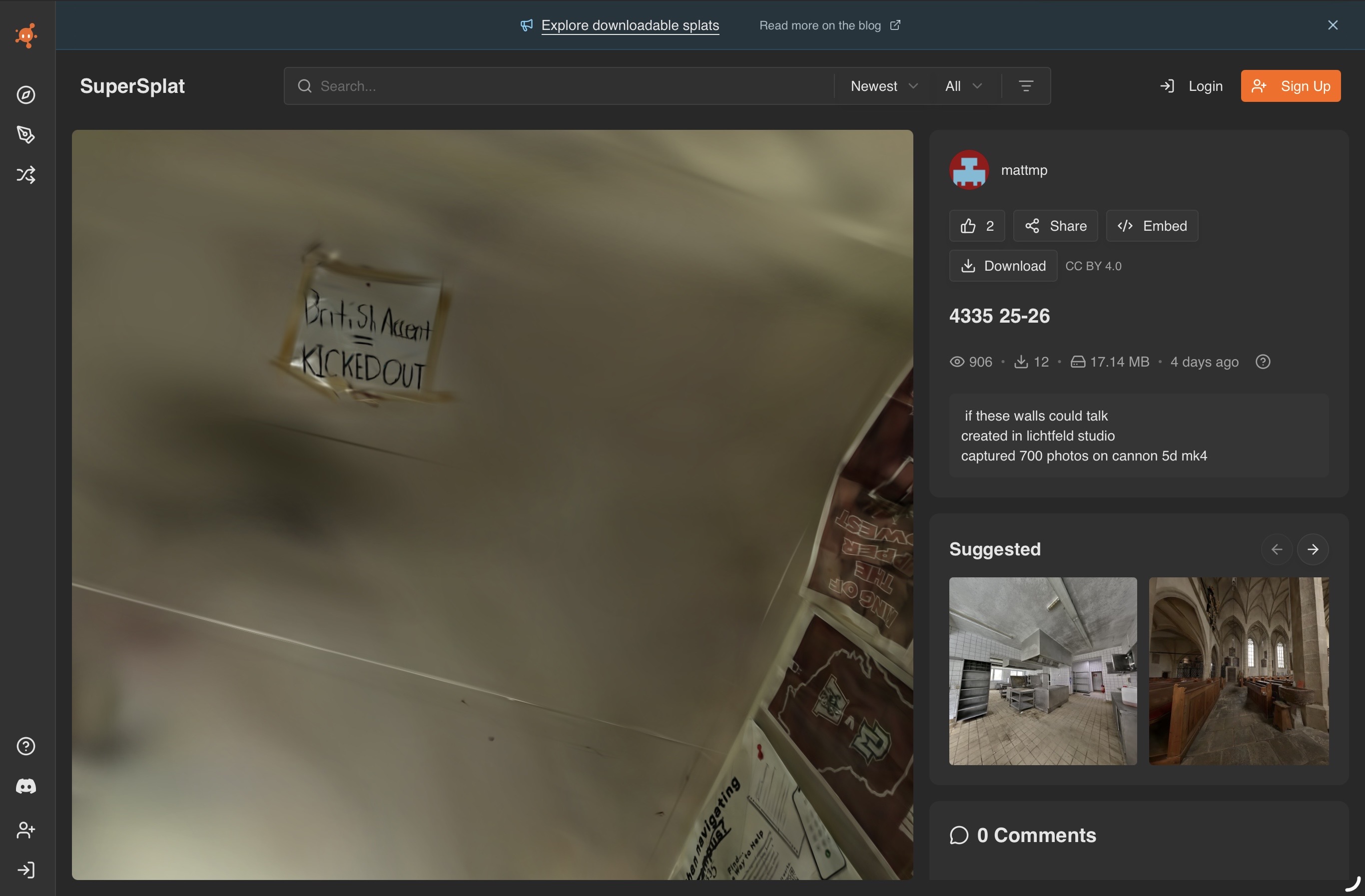
Seeing as i just moved out of my Freshman dorm, I created a scan, here it is 4335 25-26 - SuperSplat
I’d love to see the splats yall have made and hear about your thoughts.
I’m going to try making some of a beamshot later this summer, I’ll definitely need a tripod lmao
That’s cool, at first I thought it’s like street view in your room, but then I started panning and zooming. Good work lad, now have a bloody tidy up in there!
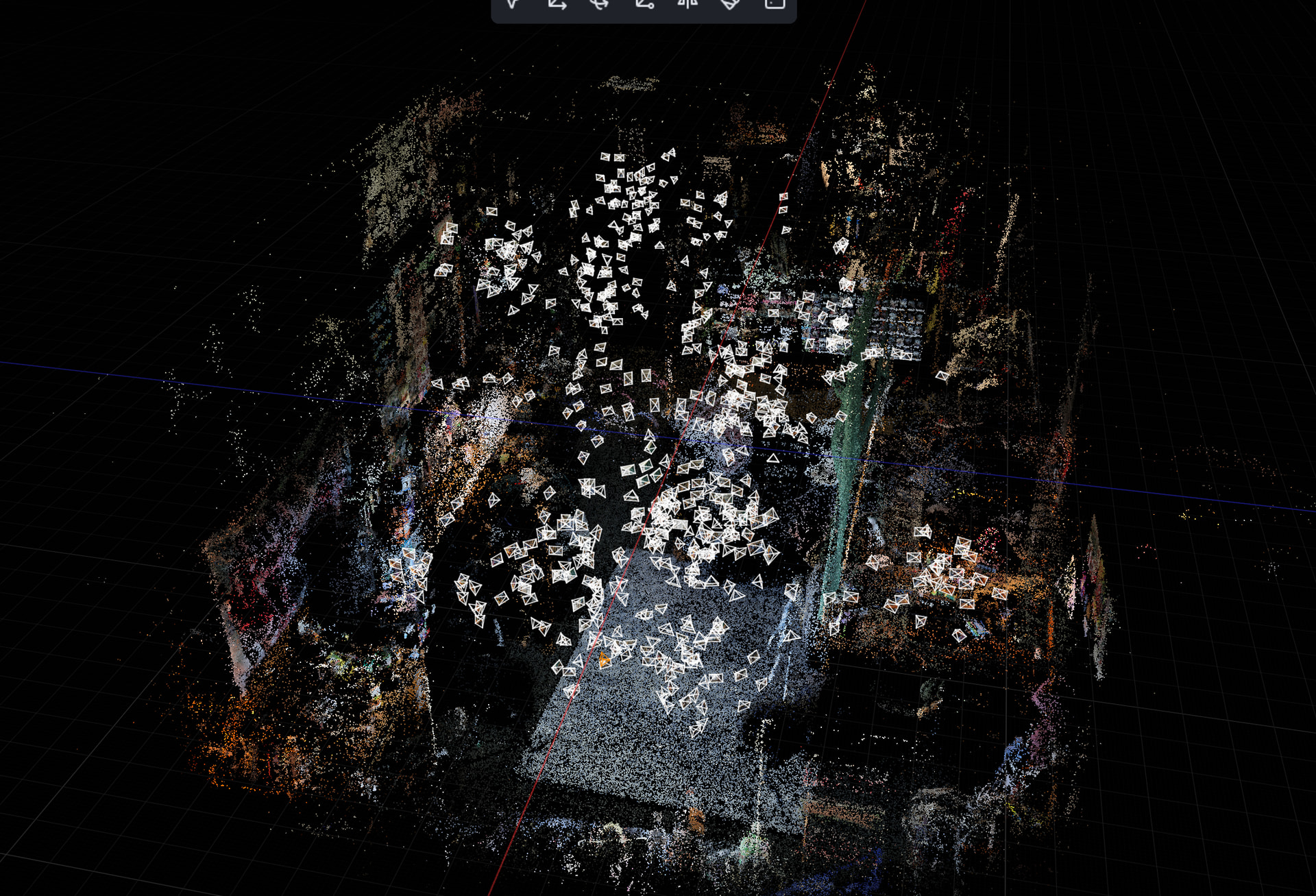
i took about 700 photos wiith a cannon 5d mk4, then tracked them in realityscan, then imported to lichtfeld studio and generated the guassian there. If i had time to go back and take new photos of the dorm i wouldve liked to cover a few more angles and better light it, but i have since moved out
you want the sharpest images possible of as many angles as possible, with a fast enough shutter im sure you could do burst, i just clicked once per image
i believe it took about 1hr30 to get all the photos
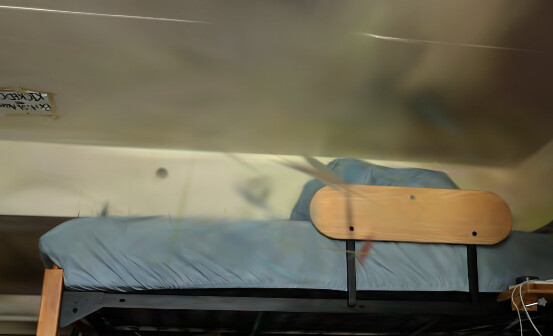
I’ve never heard of this technique until I saw this post! Looks very interesting. Do you have a guess for what in your original set of photos could have caused these “broken shards”?
I’d be interested in seeing what you end up doing with beamshots. From what I understand, Gaussian splatting (with its transparency parameter) should be very good at handling translucent objects, like a beam in the air.
for the window, likely just that theres almost no data there, it absolute white, which is due to the limited range of a camera with fixed settings.
the rest of them is a lack of data, from the few views that cover where those shards are in the original data, it looks quite perfect, but from otehr views it doesnt. the program needs more views to really nail down the surfaces. since its not a mesh based method it can create visually accurate but physically incorrect renderings.
Im installing a update rn and a plugin that has better densification algorithms and a outlier remover tool which will remove the shards that are a significant distance away from the others.
A lot of this goes over my head, so thats my best attempt at explaiming it.
I think I’m going to look into how the tourists uploading to Google Maps get their 360 views. The results of Guassian Splatting are awesome but I want something I can do relatively quickly and then get back to enjoying the moment.
theyre either native 360 images, or photospheres. a photoshphere works like a panorama, but it has you do multiple passes up and down. guassian splats dont work in crowded spaces with moving people sadly, as the program cant track your cameras 3d position after
Neat stuff. When my parents were getting ready to sell their house a long time ago, I went around and took a few thousand pictures, with the plan of eventually importing them into this type of tool to create 3D models of their entire home… and those images have just been sitting unused ever since, while I waited for the technology to be created.
Looks like the tech works now. Just gotta find one which is open-source and private and doesn’t put any data onto cloud servers.
As for the pics… I dragged a tripod around, and would generally pick several locations in each room and take a set of 24 pics at each spot… 8 directions straight ahead, 8 at an upward angle, 8 at a downward angle… with spots chosen for maximum coverage. I also made use of a lot of lights to illuminate scenes better, being careful to keep the lights themselves out of view and bounce them off wide surfaces for soft “cloudy day” type lighting.
Took a while to cover the entire house. Gonna take a lot of processing power to build the model, too. And I don’t know if there are any good local open-source solutions available yet. So I might be waiting a while longer before I can finish it.
either colmap (open souirce and locsl) or reality scan (closed source from epic games and local)
then build lichtfeld studio from source for free (open source and local) or purchase the binaries. brush is another alternative, but lfs is better
Thanks for sharing these thoughts! I know nothing about this field–what’s the difference between Gaussian splatting and a mesh-based method, and how does the latter avoid physically incorrect renderings?
From what I understood, Gaussian splatting pretends that the 3D space is filled with a bunch of semi-translucent ellipsoids with smooth (Gaussian) dropoff, with various shapes/sizes, positions, colors, and transparencies. Given a set of photographs, the program tries to estimate the right parameters for these ellipsoids so that the resulting 3D space has 2D projections that match the photographs, in the directions photographed. If this is correct, there is still some obligation, I think, for the resulting splat to be physically sensible.
After playing with your splat a bit more, I realize that the shards disappear from some camera positions exactly as you said, though I’m still confused by what made the program guess these shards rather than just empty space, which is a simpler (and thus more favorable) hypothesis consistent with the photograph data. Maybe just some quirks in how the learning works, and some outlier removal tool as you suggested might regularize them away.
Or would there be other tweaks you can do to the program to regularize the 3D hypothesis, like setting a stronger preference for empty space (or low opacity), or restricting the eccentricity/elongation of constituent ellipsoids?
You are spot on, that’s a great explanation.
My understanding is that if I have two views of an object, there’s hundreds of ways to place these ellipsoids, but as you add more perspectives it forces them closer and closer to the ground truth.
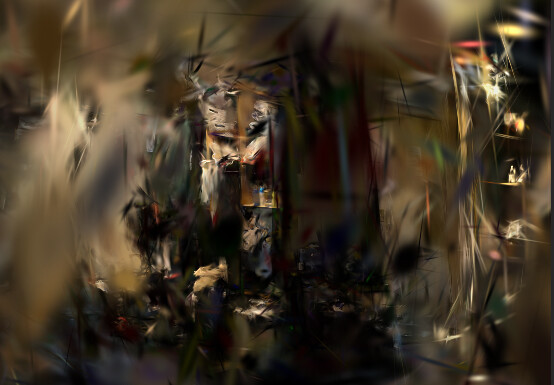
Presumably I didn’t capture enough data. There are black floaters that contribute almost nothing to the image, I assume these are from random noise in the images, blur, and some randomness introduced by the training process.
Also, fly inside of the mirror and look around.
I can share some other scans later that show this off better.
If you download lichtfeld studio you can render each ellipsoid with a opaque border which makes the error ones much more obvious
Thanks! My sense is that it is indeed what should happen–each additional photograph adds a new constraint on what the scene must look like when projected in a certain direction, so having more photos should force the hypothesis to converge to the ground truth.
Random noise is a sensible guess! And maybe there could also be inconsistencies across the photo collection. If anything at all (e.g., amount of lighting, position of shadows, etc.) changed during the 700 photos captured, then there does not exist a 3D solution that is consistent with all of the projections/photos, so some sort of error should be expected.
Flying into the mirror is a great suggestion! It looks like the program interpreted the mirror as “a hollow frame with physical objects on the other side”, except that those physical objects have very few projections to be consistent with, i.e., only in the directions looking into the mirror. As a result, these objects are a complete mess when viewed from the inside!