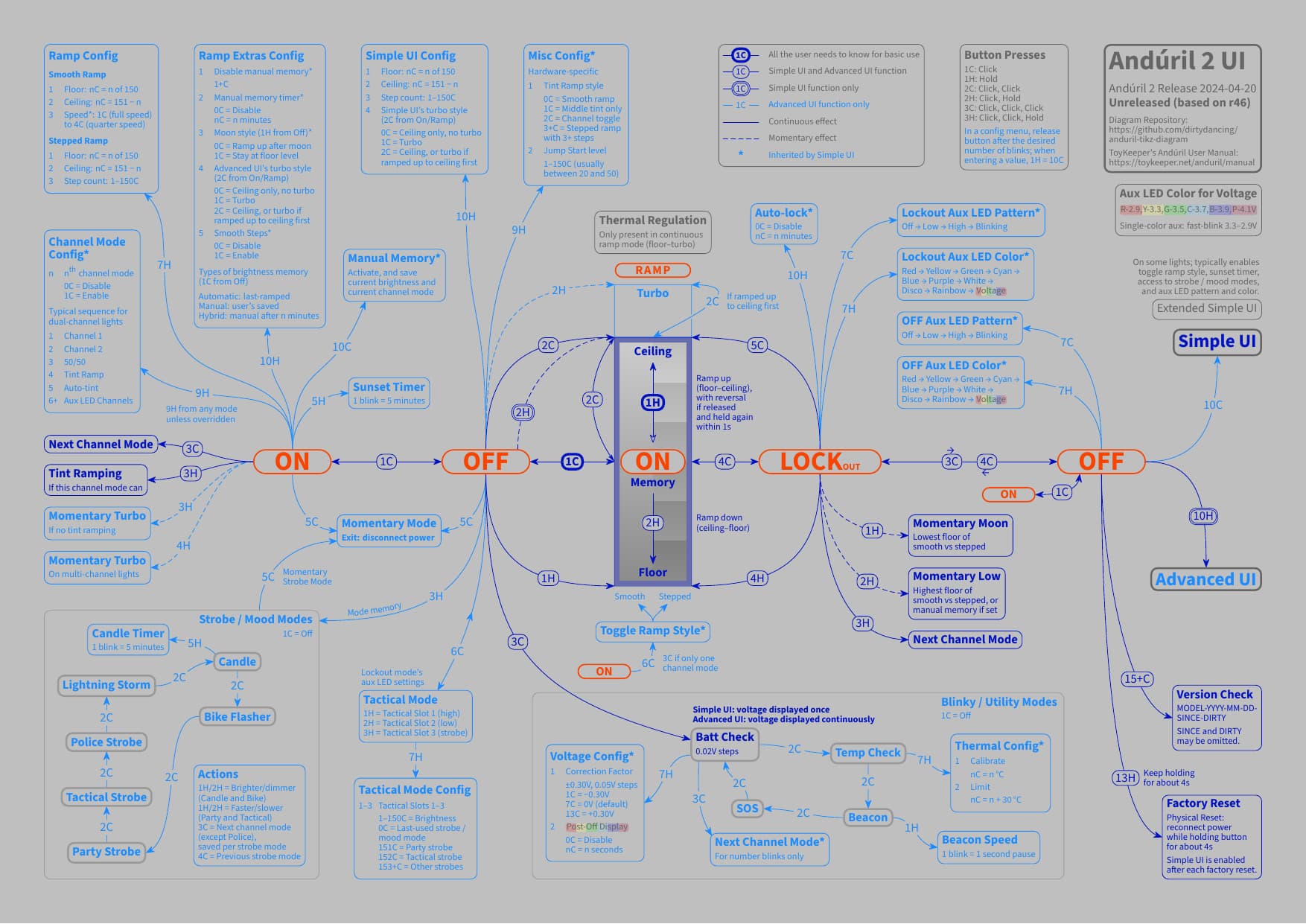
Hi folks, for those interested in modifying the colors of this Anduril 2 diagram by myself, here is a quick dive into the source TEX plain text file, as not everyone may be familiar with TikZ for LaTeX (cf. also the Instructions in the Readme):
To help with orientation, by now, not only the body (the actual content) of the document comes with a table of contents, but also the preamble (basically a set of style instructions for the body). For the look of the diagram, let’s start with a simple example: the width of the arrow lines. By changing this one line for anyline from thin (predefined default of 0.4pt) to line width=4pt for demontration purposes (plus changing one more line for the diagram release info), all the lines in the diagram will change to this new width:
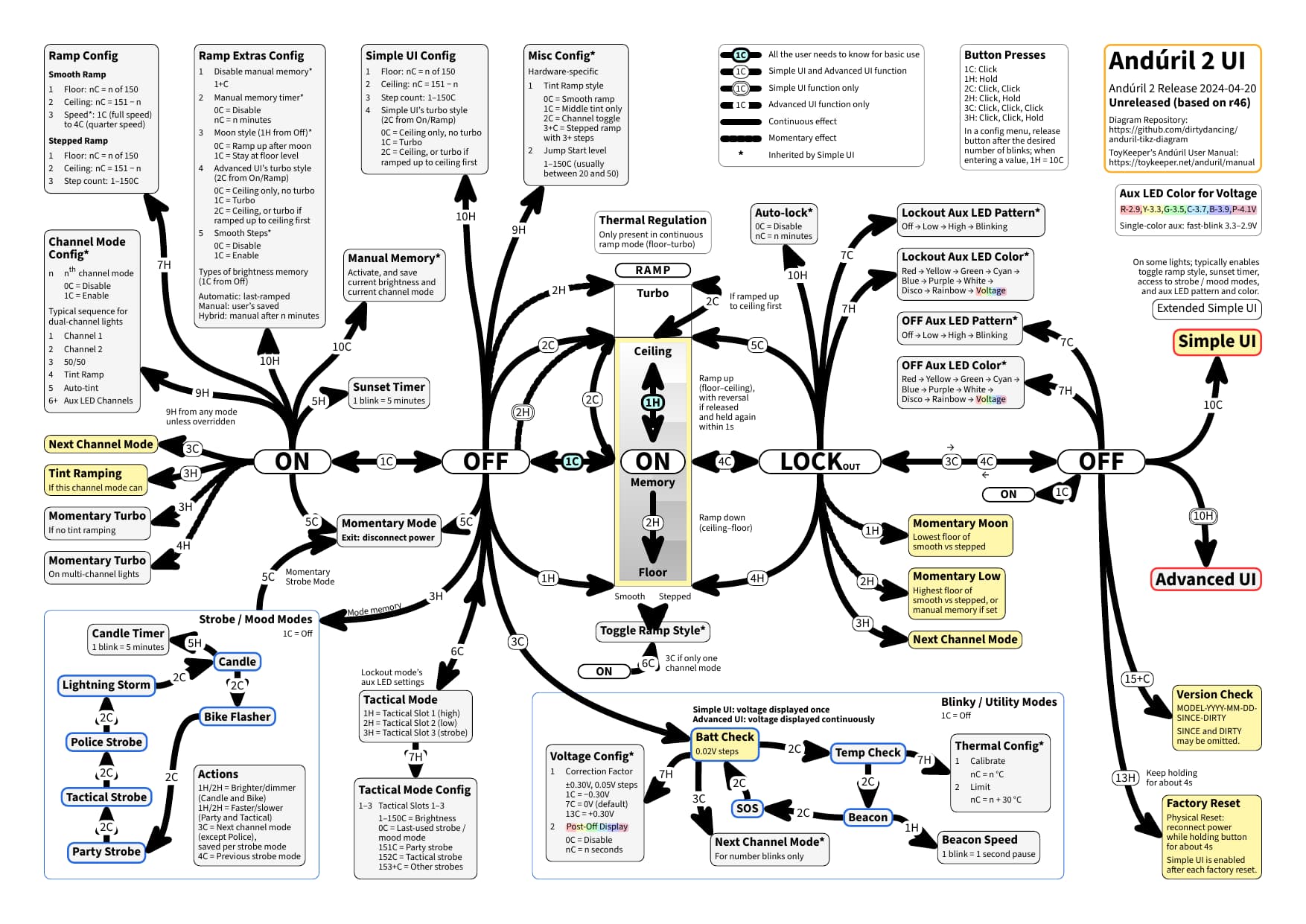
This is because all the lines in the diagram are defined based on anyline. In general, there are style settings for line, button, and config (for the text boxes), and these style settings are available for any (for Simple UI and Advanced UI) and for advanced (for Advanced UI only). So in a next step, let’s change the color of the advanced lines to light gray, by adding draw=lightgray to advancedline after anyline. With this, all the lines for Advanced UI only will change to this new color:
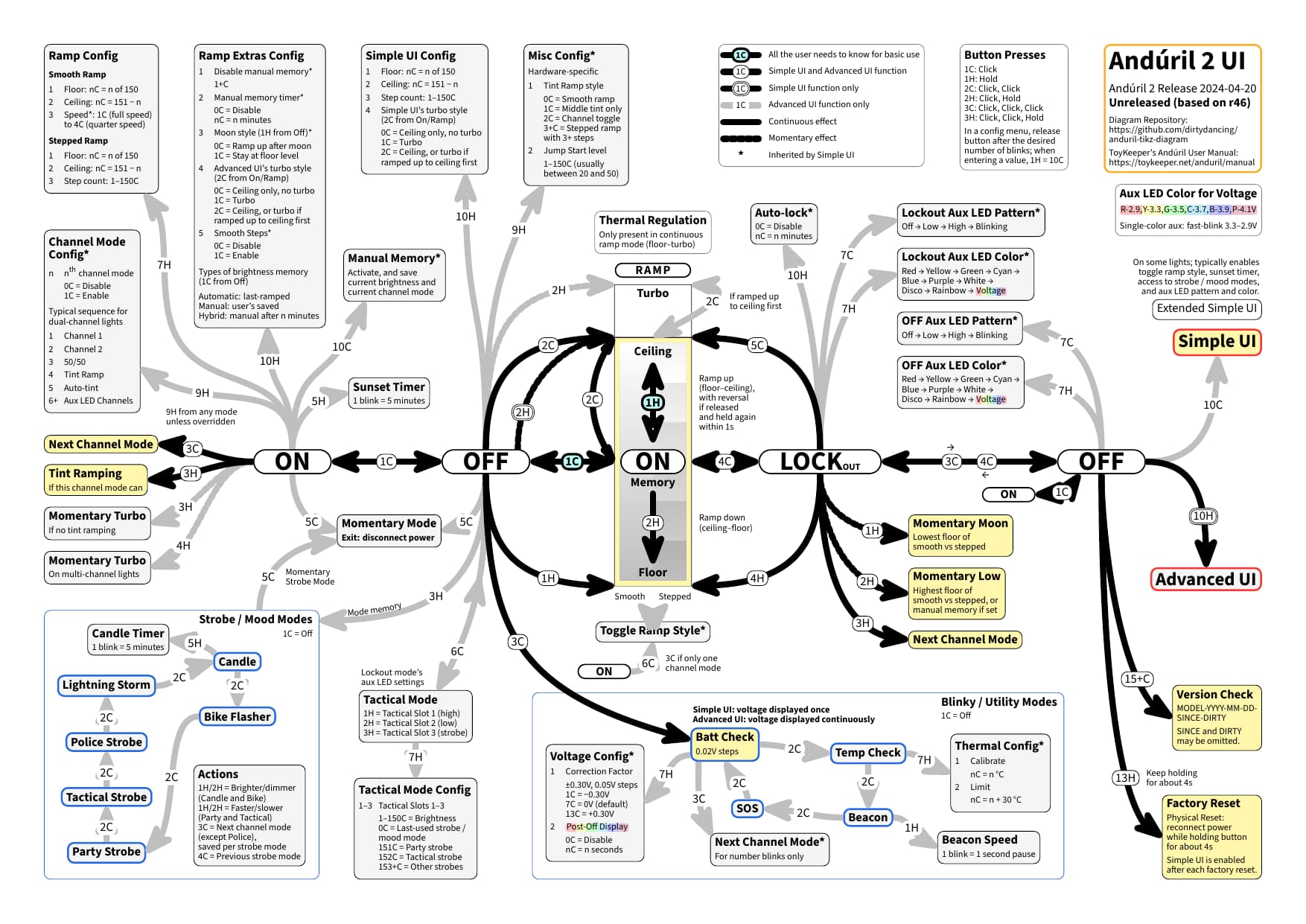
Visual detail: please note that the Simple UI lines are displayed above the Advanced UI only lines. I have recently added a couple of layers to make this work out of the box. OK, I figure you got the idea, the difference for “drawing” being that you edit the source text, rather than drawing on-screen. Now, you could go ahead and modify a diagram detail, or you could go all in with a high-contrast dark color scheme. Or, to provide an example, you could turn to a light gray variant and end up with a diagram looking like this: